An anniversary card for your wife, with your wedding photo
Put your wedding photo, or one from the year you met, on the left page and your message on the right. Send it as a link, or set it to open at the moment you got married.
Not sure which anniversary it is? The wedding anniversary calculator works out the number and the traditional gift; put the number in your message or on the front of the card.
Free · No sign-up · A private link to share · AI writes the message if you’re stuck · Opens on iPhone, Android and desktop
Make your anniversary card for your wife here
This is the whole card maker, with anniversary already picked. Fill it in and you get the link on this page: no sign-up, nothing to download.
Pick a design
Tap one to use it in the card maker above. You can change the words on the front, add a photo, and pick the burst it opens with. Designs marked PRO come with your own link.
- The ringUse this design →PRO
Still saying yes,
Ira
— Neil
- Red roseUse this design →PRO
Happy anniversary,
Mira
— Dev
- CheersUse this design →PRO
Here’s to you two,
Ana & Rohan
— Priya
- PetalUse this design →PRO
Ten years
of us
Priya & Sam · ten years
- BubblyUse this design →PRO
Pop the bubbly,
Sana!
— Omar
- Cream & ringsUse this design →
- BlushUse this design →PRO
Five years of
us.
— J
- ChampagneUse this design →PRO
Mum & Dad · since 1996
30
Thirty years, still dancing.
— with love, the kids
- EmeraldUse this design →PRO
Ten years,
one home
Since 2016
- Deep roseUse this design →
- IvoryUse this design →
Happy anniversary,
you two.
— the kids
- Love letterUse this design →PRO
One year in,
And I would choose you all over again.
— M
- Kiss kittyUse this design →PRO
Another year of kisses,
Jay
— M
- Gold foilUse this design →PRO
Ten years
Happy anniversary
Kavya & Rohan
— the family
- Rose goldUse this design →PRO
Five years
Forever us
Ishaan & Tara
— T
- PolaroidUse this design →PRO
Us, still
one year on
— Z
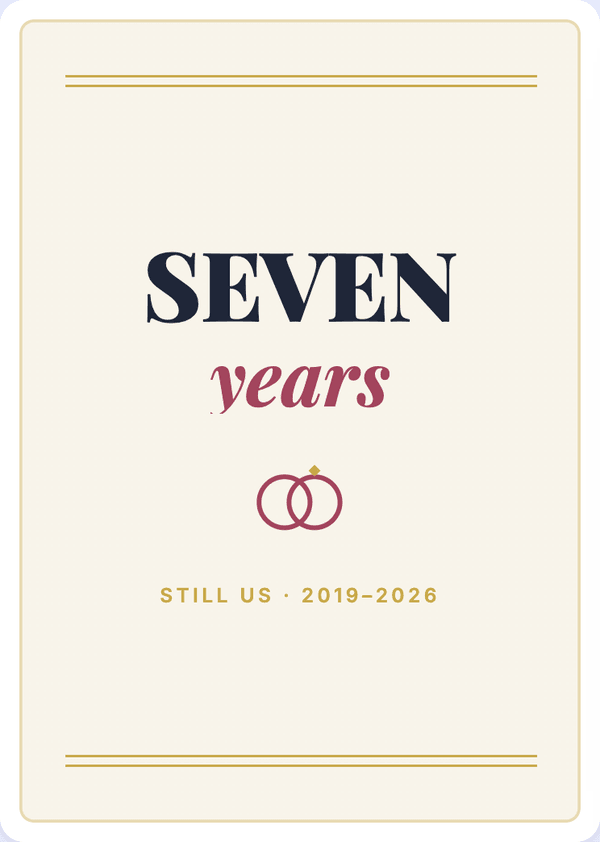
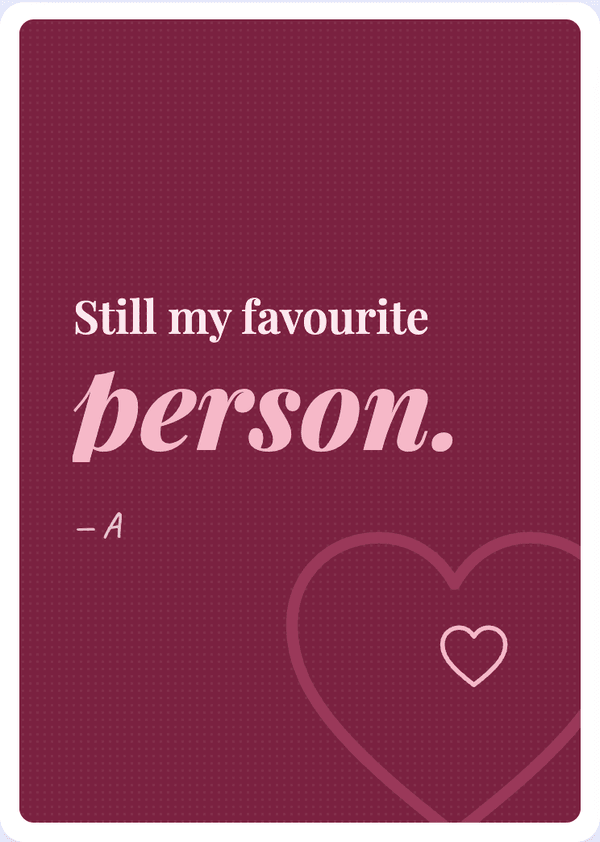
What they see when they open it
An envelope slides in and they tap to open it. Two rings draw themselves behind the card, hearts burst out, and the card opens into two pages: a photo of the two of you on the left, your message on the right.
What to write in an anniversary card for your wife
Compare then and now: one thing you thought on your wedding day, and what you know now. Finish with what you want next.
Or let AI draft it: in the card maker, tap ✨ Write it for me, pick a tone, and choose from three ideas. Their name is filled in on your device and never sent.
- “Another year of you, and I still get nervous when you walk in. Happy anniversary.”
- “I thought I knew how much I loved you on our wedding day. I had no idea. Happy anniversary.”
- “Thank you for making a home out of every place we’ve lived. Happy anniversary, my love.”
- “We’ve survived two moves, one renovation and my cooking. Here’s to many more years.”
- “You are still the best decision I ever made. Happy anniversary.”
- “Same team, every year. Happy anniversary to my wife.”
How to send one
- Fill in the card maker on this page (anniversary is already picked), or tap a design above to start from it.
- Write their name, your message and your name. Add a photo and a date if you like.
- Copy the link and send it however you usually talk: WhatsApp, text, email or DM.
More anniversary cards
Questions
- Can it say which anniversary it is?
- Yes. The words on the front are yours, so write “10 years” or “Happy 25th” there. The wedding anniversary calculator works the number out if you need it.
- Can I set it for the exact time of our wedding?
- Yes. Set the date and time in the card maker. Until then the link shows a countdown.
- Can AI write the message for me?
- Yes. In the card maker, tap “Write it for me” under the message box, pick a tone (warm, funny, short or formal) and, if you like, something to mention. AI writes three ideas; pick one and edit it. Their name is filled in on your device and is never sent to the AI.
- Is it free to send an anniversary card?
- Yes. There is no account, no watermark and no payment to make and send one. Designs marked PRO are the optional paid ones: for $2.49 (€2.49 in Europe, ₹79 in India) the card gets a link you choose, shows no ads and stays up for a year.
- Is the card private?
- Only people you send the link to can open it. Card pages tell Google and other search engines not to list them, there is no public gallery of cards, and you don’t sign up, so no account holds your details. A free card and its photo are deleted after 7 days.
- Do they need an app or an account to open it?
- No. The link opens as a web page in whatever browser they already use, on iPhone, Android or a computer. They just tap it.
- How long does the link work?
- A free card is deleted 7 days after you make it, with any photo on it. A card with your own link lasts a year. Take a screenshot or a screen recording if they want to keep it.
- Can I schedule it for a date?
- Yes. Set a date, time and their time zone, and until then the link shows a countdown instead of the card. A free card can count down up to 7 days ahead; one with your own link, up to almost a year.
More cards
- Birthday cards
- Milestone birthday cards
- Valentine's Day cards
- Love note cards
- Sorry cards
- Thank you cards
- Congratulations cards
- Get well soon cards
- Graduation cards
- Wedding cards
- Christmas cards
- New Year cards
- Lohri cards
- Makar Sankranti cards
- Pongal cards
- Holi cards
- Diwali cards
- Farewell cards
- Retirement cards
- New baby cards
- Housewarming cards
Worth reading
Ready to write it?
Make an anniversary card