A birthday card for your best friend, sent as a link
You know the inside jokes; put them in. Add the photo from that trip, pick a design, and send a single link. Only people with the link can open it, so it can be as embarrassing as you like.
Want a reaction? Make the link ask a question first, like “Who is your favourite person?”, and the card only opens once they answer.
Free · No sign-up · A private link to share · AI writes the message if you’re stuck · Opens on iPhone, Android and desktop
Make your birthday card for your best friend here
This is the whole card maker, with birthday already picked. Fill it in and you get the link on this page: no sign-up, nothing to download.
Pick a design
Tap one to use it in the card maker above. You can change the words on the front, add a photo, and pick the burst it opens with. Designs marked PRO come with your own link.
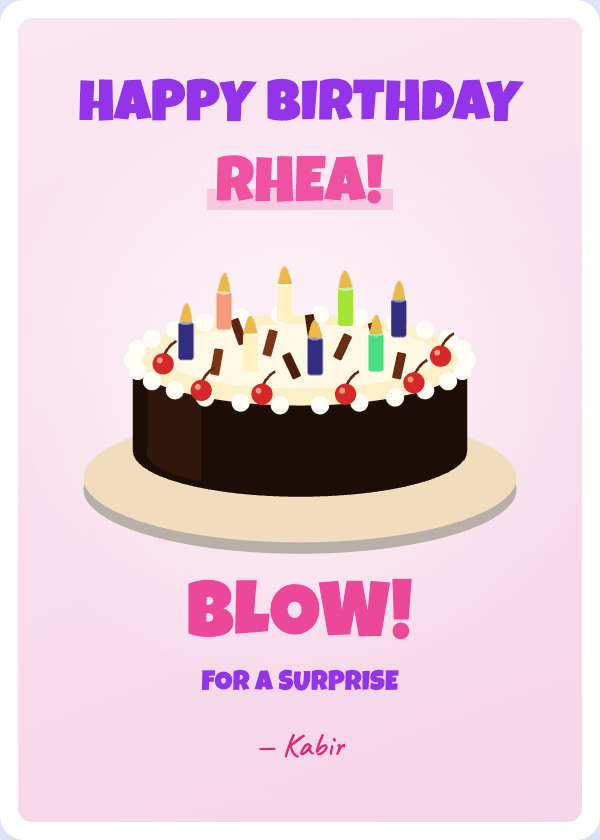
- Classic 3D cakeUse this design →
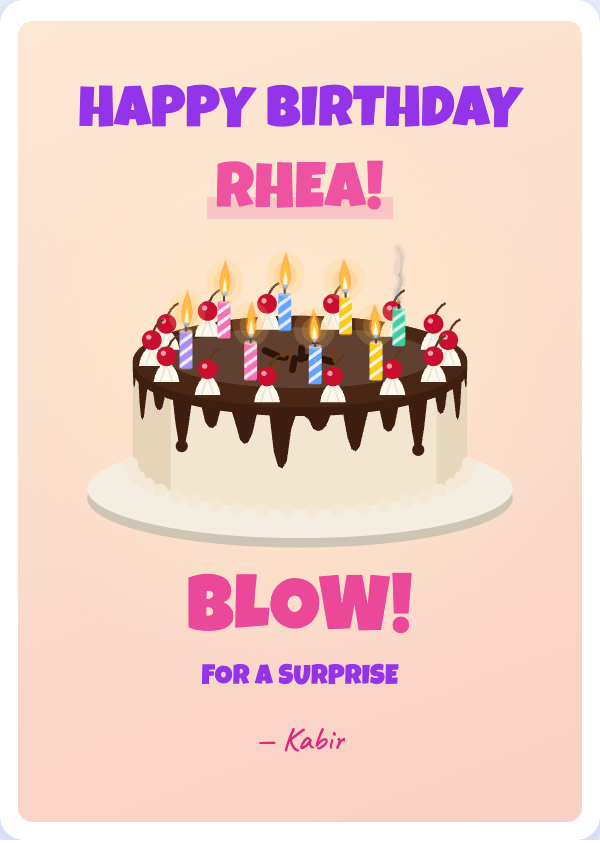
- Real candlesUse this design →
- Gold burstUse this design →PRO
25th birthday
Happy birthday,
Aanya.
Cake is on us. — the gang
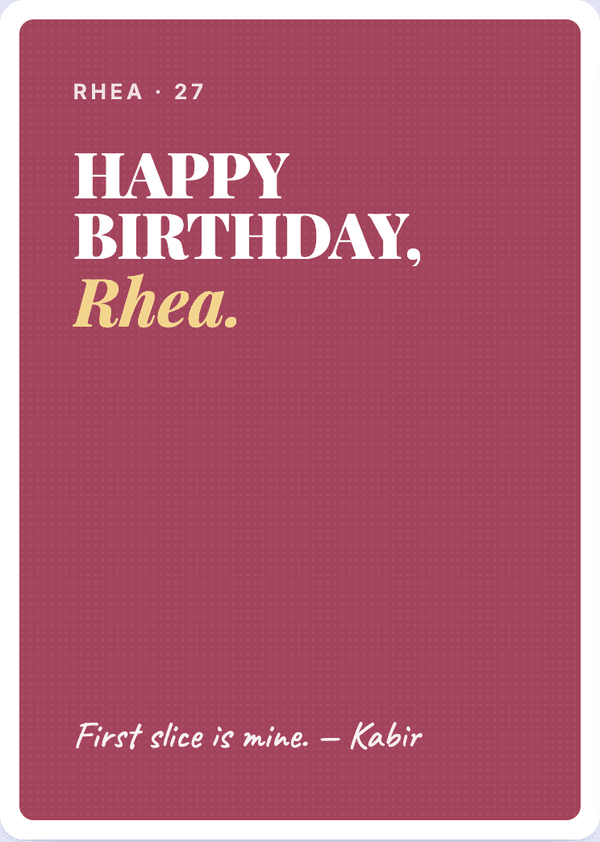
- CrimsonUse this design →
- ChampagneUse this design →PRO
For Nisha
27
Another year, still iconic.
— the cousins
- Lilac nightUse this design →PRO
Happy birthday,
Zoya!
— from all of us
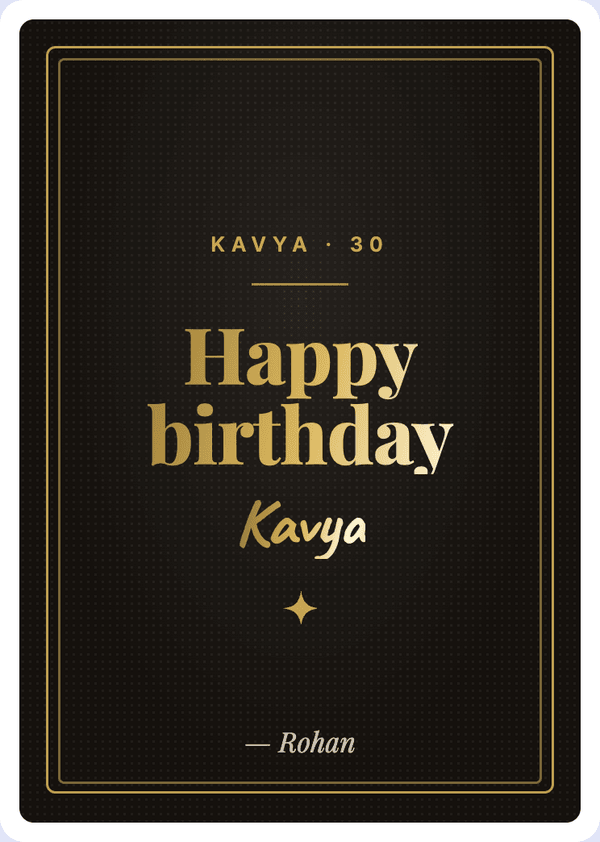
- Navy & goldUse this design →
For Arjun
31
Still wears it well.
— everyone at no. 12
- Party catUse this design →PRO
Happy birthday,
Zoya!
— the gang
- Party faceUse this design →PRO
Happy birthday,
Arjun!
— the squad
- ConfettiUse this design →
25th birthday
Happy birthday,
Meera.
— the team
- Cake and candlesUse this design →PRO
Make a wish,
Meera!
— Dev
- Smitten kittyUse this design →PRO
Happy birthday,
Jay!
— M
- LemonUse this design →
For Kavya
23
Main character energy.
— the group chat
- Good dogUse this design →PRO
Happy birthday,
Rio!
— woof, Ana
- PandaUse this design →PRO
Happy birthday,
Sana!
— K
- Gold foilUse this design →
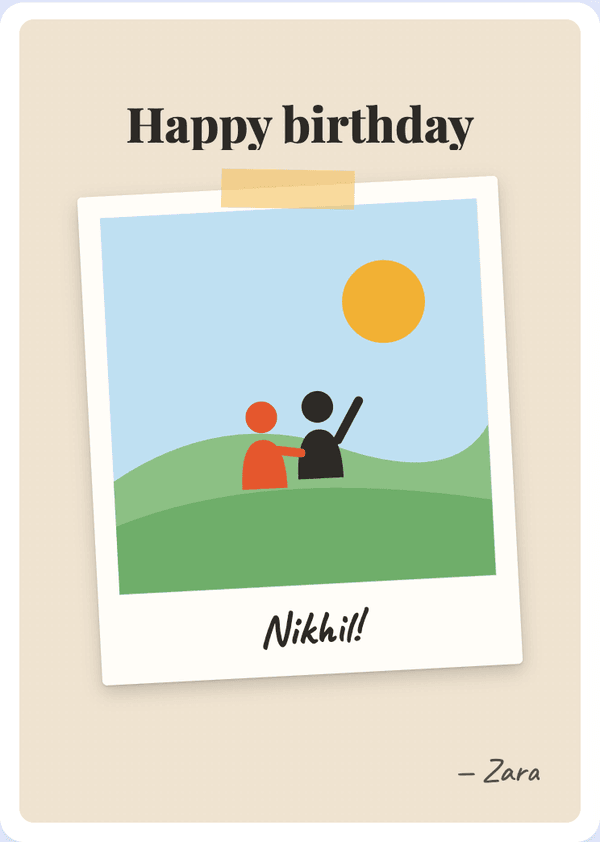
- PolaroidUse this design →
- Christmas giftUse this design →PRO
A little something,
Leo!
— Maya
- DancerUse this design →PRO
Happy birthday,
Priya!
— Neha
What they see when they open it
With the cake design, the cake comes first: candles flicker until they blow (or tap), then their age in number candles and your message. With a designed card, an envelope slides in, they tap to open it, and the card opens into two pages: your photo or a drawing on the left, your message on the right.
You can also make the link ask a question before the card appears, like “Ready for your birthday surprise?”. How the question works
What to write in a birthday card for your best friend
Name a memory nobody else was there for, then say thank you for something real. Funny first, honest last.
Or let AI draft it: in the card maker, tap ✨ Write it for me, pick a tone, and choose from three ideas. Their name is filled in on your device and never sent.
- “Happy birthday to the one person who has seen every bad haircut and stayed anyway.”
- “If we ever get arrested, I know you’ll be laughing too. Happy birthday, partner.”
- “Ten years of 2 a.m. calls and not one boring one. Happy birthday.”
- “You are the family I picked. Good choice, me. Happy birthday.”
- “Whatever this year brings, you’ve got me, and I’ve got snacks. Happy birthday.”
- “Same time next year, same nonsense? Happy birthday, bestie.”
How to send one
- Fill in the card maker on this page (birthday is already picked), or tap a design above to start from it.
- Write their name, your message and your name. Add a photo and a date if you like.
- Copy the link and send it however you usually talk: WhatsApp, text, email or DM.
More birthday cards
Questions
- Can the card ask them a question before it opens?
- Yes. Turn on the question in the card maker and write your own, or pick one. They answer, then the card opens.
- Can a group of friends sign one card?
- Sign it as the group (“The gang” fits; “From” takes up to 20 characters), name everyone in the message, and send the link to the group chat. Everyone sees the same card.
- Can AI write the message for me?
- Yes. In the card maker, tap “Write it for me” under the message box, pick a tone (warm, funny, short or formal) and, if you like, something to mention. AI writes three ideas; pick one and edit it. Their name is filled in on your device and is never sent to the AI.
- Is it free to send a birthday card?
- Yes. There is no account, no watermark and no payment to make and send one. Designs marked PRO are the optional paid ones: for $1.99 (€1.99 in Europe, ₹79 in India) the card gets a link you choose, shows no ads and stays up for a year.
- Is the card private?
- Only people you send the link to can open it. Card pages tell Google and other search engines not to list them, there is no public gallery of cards, and you don’t sign up, so no account holds your details. A free card and its photo are deleted after 7 days.
- Do they need an app or an account to open it?
- No. The link opens as a web page in whatever browser they already use, on iPhone, Android or a computer. They just tap it.
- How long does the link work?
- A free card is deleted 7 days after you make it, with any photo on it. A card with your own link lasts a year. Take a screenshot or a screen recording if they want to keep it.
- Can I schedule it for a date?
- Yes. Set a date, time and their time zone, and until then the link shows a countdown instead of the card. A free card can count down up to 7 days ahead; one with your own link, up to almost a year.
More cards
- Milestone birthday cards
- Anniversary cards
- Valentine's Day cards
- Love note cards
- Sorry cards
- Thank you cards
- Congratulations cards
- Get well soon cards
- Graduation cards
- Wedding cards
- Christmas cards
- New Year cards
- Lohri cards
- Makar Sankranti cards
- Pongal cards
- Holi cards
- Diwali cards
- Farewell cards
- Retirement cards
- New baby cards
- Housewarming cards
Worth reading
Ready to write it?
Make a birthday card